The petname is the name the world sees
Every alias gets a three-word name, like pleasingly-cosmic-tapir, computed from the alias itself. You don’t choose it, it never changes, and there are over two billion combinations.
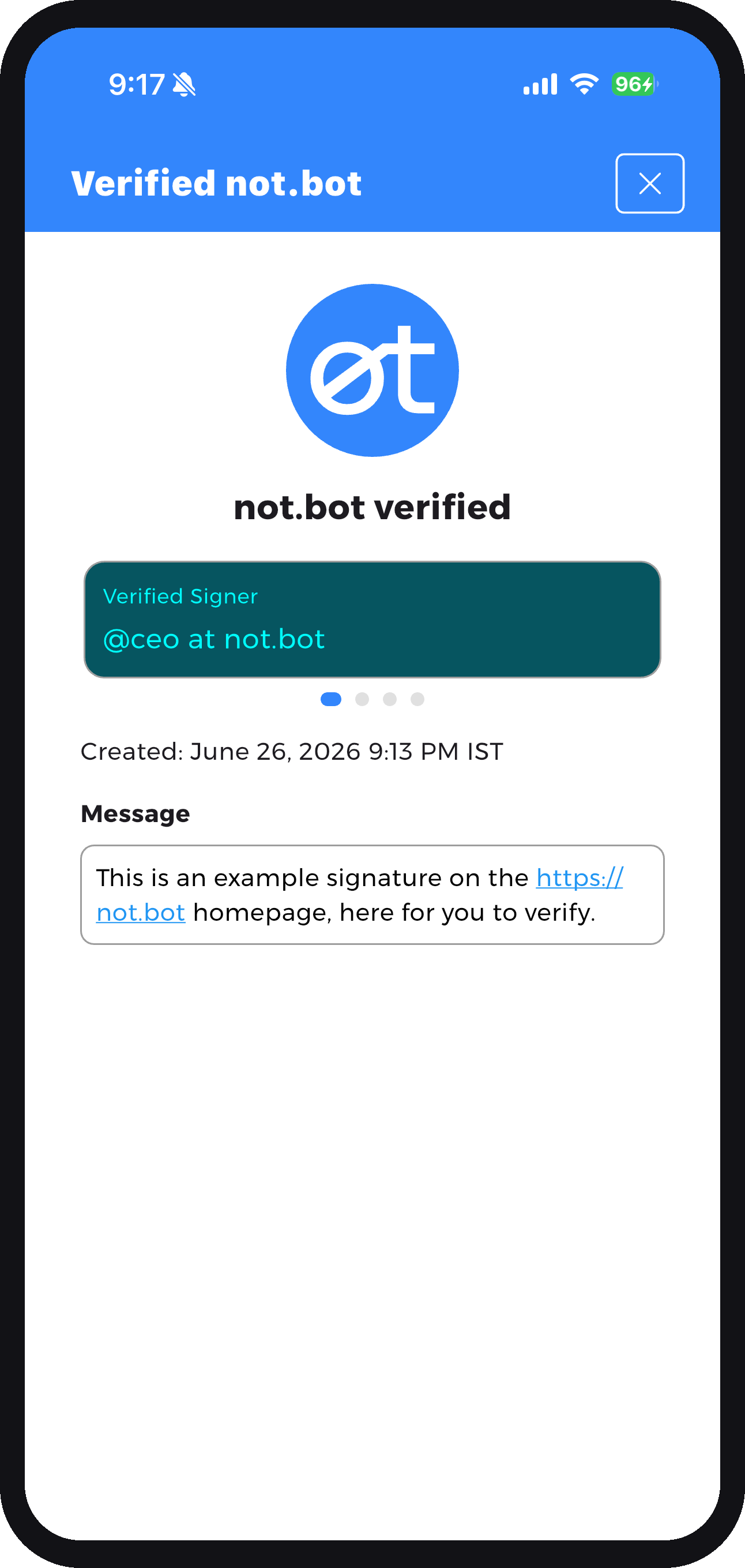
Join not.bot™ with your passport, and you can sign a message as a verified human, even a link to your work. Anyone can scan your signature for free and see it came from you, so no one can pass off a fake.

Joining is open in the US today, and more regions are coming this year. Anywhere else, you can use the app now to scan and verify other people’s signatures.
How signing worksPermalink to How signing works
Every signature you make carries a message you wrote. Making one takes three steps. Checking one takes no account at all.
You write what you are signing, then sign it as a verified human under an alias you choose. Be specific. “Email to Sarah about dinner, sent March 15” says far more than “hi,” and the more specific your message, the harder it is for anyone to reuse your signature somewhere it does not belong.
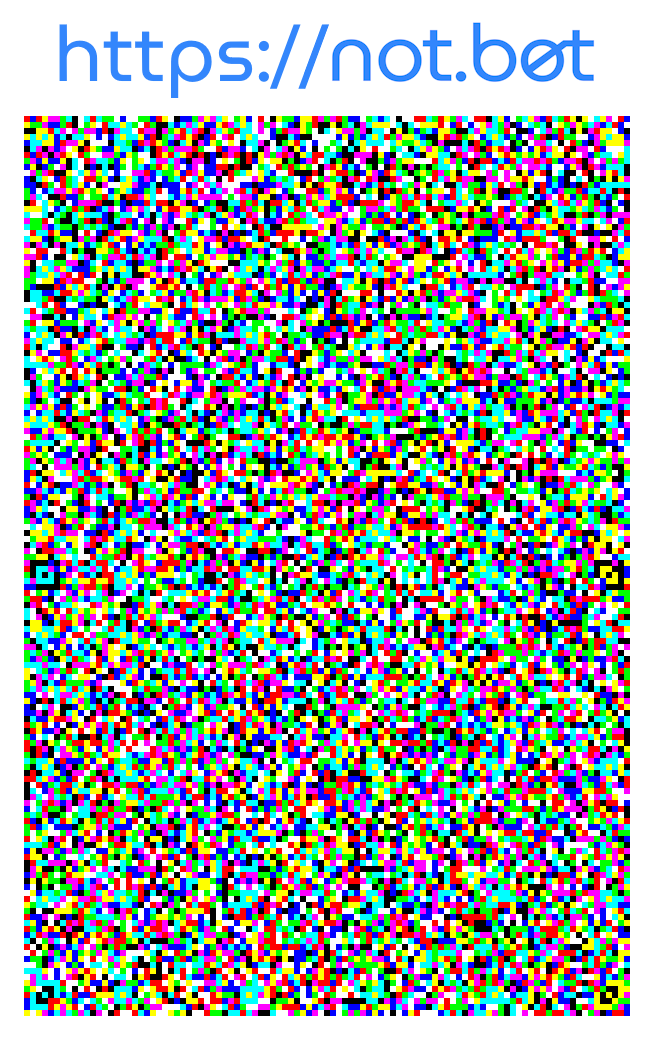
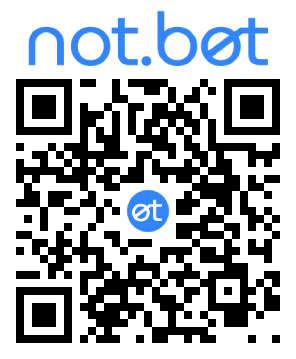
The app turns your message into a signature you can share like any image. On the free app it is a JAB, a colorful code that packs the whole signature into the image itself. That self-contained form is useful in many situations, including letting someone capture it straight from your screen with their camera. A Pro or Verified Signer subscription adds QR codes, which are smaller and more familiar.
They scan your signature with the free not.bot app and see who signed, the message you wrote, when it was signed and scanned, and any facts about yourself you chose to include. Anyone in the world can scan a signature, no account required. After scanning, they can add you to their contacts, a private list of humans they know are real.
A signature is only as strong as the message inside it. Keep it specific.
A vague message can be lifted onto something else. A specific one cannot.
Signing real content? To sign video, images, PDFs, or a link, so your proof travels with the file itself, use not.bot Sign My Work. It turns anything you publish into a signed, verifiable message. All it needs from you is a not.bot identity: enroll in the app, at no cost and with no subscription.
AliasesPermalink to Aliases
All of them you, all of them verified, none of them connectable. An alias is a separate identity you sign with: one for work, one for the forum, one for the dating app. When you sign, you choose which alias signs. No one can tell that two aliases belong to the same person. Not even Julia Social.
My Aliases

Every alias gets a three-word name, like pleasingly-cosmic-tapir, computed from the alias itself. You don’t choose it, it never changes, and there are over two billion combinations.
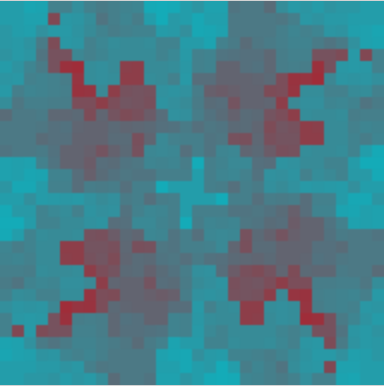
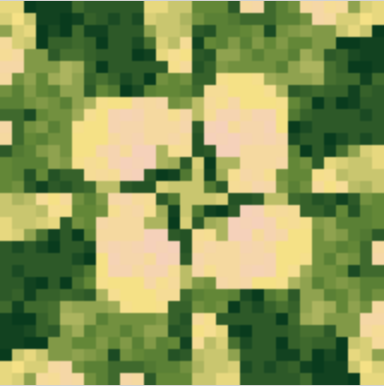
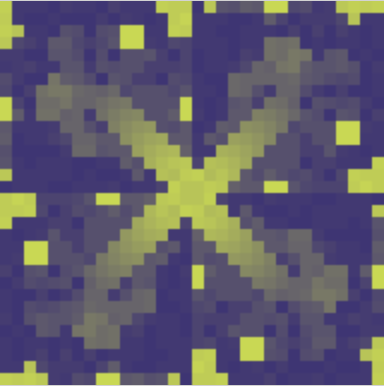
The colorful tile is computed from the alias too. Same alias, same tile, on every phone in the world. Different aliases never match, so anyone who scans your signatures can recognize you at a glance.
A label you give each alias so you can tell them apart. It shows up on all your devices and nowhere else. It is never part of a signature, and Julia Social cannot read it.
Paid plans replace the petname with a reserved name you choose, like morgan_wells.nb. A Verified Signer badge goes further and links an alias to your social account, so your signatures show they came from @you at x.com.
On the webPermalink to On the web
Sites are drowning in bots, and CAPTCHAs stopped working when AI learned to solve them. A not.bot check is different: it takes a real, enrolled human unlocking their own phone at that moment, and no bot can produce one. When a site shows a not.bot button, here is what happens on your side.
Tap the button on your phone, or scan the QR code on a desktop site. The app opens and shows the request: the site’s domain, cryptographically verified so it can’t be spoofed, the message it attached, each fact it wants to know, and when the request expires.
The app suggests a fresh alias the first time, and remembers which alias you used when you come back. You can pick any other. Then you approve with your face, fingerprint, or passcode, or reject the request, or simply let it expire. It’s all or nothing: the site never gets a partial response.
Ask if you’re over 18, and the site gets a yes or a no, not your age, not your birthdate, not your name. The exchange runs directly between your phone and the site. Julia Social sees none of it.
Signature Request
Message
Requested Information
Request expires in 4m
Your age facts are computed so that no one ever learns your birthdate: not the site, not Julia Social, not the independent escrow agent. The site asks over 18, or over 21, or an age range, and learns exactly that, nothing beneath it.
With your consent, a site can request a Site Pass, a tag that is the same every time you return to that site but different on every other site. It lets the site stop one person from posing as ten, without learning who you are. Two sites comparing their Site Passes find nothing in common.
Everything a site can ask for through not.bot Verify, the free app can provide: proof you’re human, age facts, Site Passes. None of it needs a subscription. The only free-plan limit is five aliases.
EnrollingPermalink to Enrolling
Enrolling in not.bot currently uses a scan of your passport to verify you’re human. Here’s the process, which only takes a couple of minutes.
Hold your phone over the data page of your passport. The app reads the text at the bottom of the page to unlock the chip. That photo never leaves your phone, and it’s read for text, not your biometrics.
Hold your phone against the chip. The app reads your name, date of birth, gender, and nationality. It does not read the facial image on the chip. No biometric leaves your passport.
Your passport data goes to Signicat, an established identity-validation provider, which confirms the chip’s government signatures and that the passport is current, then deletes it within minutes. You choose a recovery password, which protects your backup data so you can recover if you ever lose your phone. Then you’re in: a verified human, with your own keys held on your phone.
Today
Enrolling needs a current, NFC-enabled passport and access to a US app store. Anyone, anywhere can install the app and use it in scan-only mode to verify other people’s signatures.
This year
Passport-free, in-person enrollment, where a trusted partner confirms your ID face to face, no chip required. International enrollment is in progress.
SafetyPermalink to Safety
Every protection below is a fact about how the system is built, not a promise to behave. Julia Social, the company behind not.bot, designed itself so it cannot see who you are or what you do. These are the questions careful people ask before they join.
Where does my passport data go?
It leaves your phone exactly once, during enrollment. Signicat, the identity provider that validates the chip, deletes it within minutes. What survives is a single encrypted record, stored by an independent escrow company that cannot open it. We hold the key, on computers that never connect to a network, and by contract we cannot touch the record. Once enrollment finishes, no one holds a readable copy of your passport data.
Can anyone watch what I do in the app?
The two things you’ll do most, signing and verifying, never contact us at all. Proving a fact to a website runs directly between your phone and the site. We don’t know which sites you visit, what you sign, or whether you’re using not.bot at all. Usage statistics are off unless you turn them on, and even then the app sends weekly totals, counts and message lengths, never messages, and shows you exactly what would be sent.
Are you taking my biometrics?
No. The app never reads the facial image on your passport, and we never receive a scan of your face. The only biometric anywhere in the system is the Face ID or fingerprint already on your phone, which your phone checks itself. It never leaves your device.
What happens if you get hacked?
We would be the most boring hack on the internet. We hold no names, no birthdates, no contact information, no passport data, and we cannot read your signatures or connect your aliases. A breach cannot expose what was never collected. And because signing and verifying don’t depend on our servers, you wouldn’t even lose service.
Can law enforcement see everything I do?
No. There is no list to pull, no profile to match, and no way to watch anyone in bulk. What the law can do, with a valid US legal demand and a specific signature as evidence, is identify the one person behind that signature. That takes cooperation from us and from the independent escrow company, plus days of computation, one signature at a time. Ordinary activity is invisible to everyone, including us.
What if I decide to leave?
Delete the app. There is no account to close, because there was never an account. Deleting the app removes your keys, aliases, contacts, and history from your device, and the identity is abandoned: no one can use it, and we cannot reach the underlying data.
For more information about the technology behind these protections:
RecoveryPermalink to Recovery
Phones get lost, stolen, and dropped in lakes. not.bot is built so your identity doesn’t go with them.
You can use the same identity on up to five devices, and adding one takes a minute with a phone you already have. Lose one, and you keep signing on the others. From any device you still hold, you can reset the rest, which locks the lost phone out for good.
Recover on a new phone with your passport and your recovery password. Your aliases, your contacts, and your reserved names all come back. The whole process takes about five days.
Taking it over needs your passport, your recovery password, and days of waiting. A recovery you didn’t start shows up in your app, and you have 48 hours to cancel it with your passport. Even one that completes can be recovered right back.
Your password unlocks your recovery backup data. You choose it when you join, and you can change it in the app. Julia Social recommends using a password manager to store your password securely.
PlansPermalink to Plans
Joining, signing, and proving you’re human are free, with no signature limits. The paid tiers add publishing power: QR signatures, unlimited aliases, names you choose, and badges that tie your signatures to your accounts. Tiers are cumulative, and upgrades happen inside the app.
$0
Get the appCheck anyone’s signatures without joining. Available worldwide.
Start here
$0/month
Get the appEverything you need to join, sign, and prove you’re human.
$1.99/month
Upgrade in the appFor signing more, in more places, including video.
$9.99/month
Upgrade in the appFor public figures who sign under their own name and accounts.
Billed monthly through your app store · cancel anytime · canceling keeps your identity, aliases, reserved names, and every signature you’ve made.
Verify Only works worldwide. Every other tier starts with joining, which currently requires an NFC-enabled passport and access to a US app store. If you downgrade, only Verified Signer badges are removed. You keep any aliases beyond the free limit; you just can’t create new ones until you re-subscribe. Signing content at volume for work? See not.bot Sign My Work, which has its own per-signer plans.
Every alias comes with a petname, like pleasingly-cosmic-tapir: three words picked from the alias itself, far easier to remember than a string of random characters. There are over two billion combinations, so duplicates are vanishingly rare. You can’t choose your petname, but a new alias gets a new one, and paid plans let you replace it with a reserved name you choose.
A LifeHash: a visual fingerprint computed from the alias. The same alias produces the same tile on every phone in the world, and different aliases never match, so you can recognize a signer at a glance without reading a single word.
Nothing stops copying the image, but the message sealed inside it can never be changed. If your message says what you signed, anyone who scans the copy sees it doesn’t match what it’s attached to. That is why the app asks you to be specific about what you’re signing.
Pause with the code visible and take a screenshot, then share the screenshot to not.bot or open it from the app’s scan screen. If the video is playing on another screen, you can simply point your phone’s camera at it.
No wallet, no token, no fee, no seed phrase. not.bot records identities on a public blockchain because it is a durable place to anchor them, and Julia Social covers those costs. You will never see a transaction, a gas fee, or a tax form.
Yes, on up to five devices. You add a new one from a device you already have: the app shows a code, you scan it with the new phone and enter your recovery password. Aliases and contacts stay in sync everywhere; signature history stays on the device where it happened.
No. not.bot keeps its own contact list, built only from signatures you choose to save after scanning them. It never touches your phone’s address book, and your not.bot contacts sync between your devices in encrypted form that Julia Social cannot read.
Two lists: signatures you created and signatures you scanned, newest first, kept on the device where they happened. If you hide an alias, the signatures it made disappear from History too, until you unlock it with your face or fingerprint.
Probably. By default the app talks to random public blockchain nodes, which is the most private setting. In More → Network you can switch to the Julia Social node, which is usually much faster, in exchange for letting Julia Social see your blockchain queries.
There is no account to delete. If you want to leave, delete the app: everything comes off your device and the identity sits abandoned, unusable by anyone. If you ever come back, install the app again and recover with your passport and recovery password.
Get the app
Free to enroll, private by design, nothing to set up. One scan with your passport and you’re real everywhere not.bot is accepted.
Sign content for a living? See not.bot Sign My Work.
